The Definitive Student Guide to AI: The Top 5 Tools That Actually Outsmart University Workloads in 2026
If you rely on generic software review directories like G2 or Capterra, you are looking at tools tested by corporate procurement teams who have never pulled an all-nighter or tried to cram a semester’s worth of dense medical, legal, or scientific literature twenty-four hours before an exam. Enterprise software reviews completely miss the real-world friction of student life.
As a university student managing heavy academic pressure, you need deep, rigorous analysis on tools that directly streamline research, text comprehension, and active recall. This comprehensive, exhaustive guide details the top 5 AI tools every university student needs in 2026, complete with deep-dive technical capabilities, granular pros and cons, and precise use cases for campus success.
1. Perplexity AI: The Academic Research Engine
What It Is & How It Works
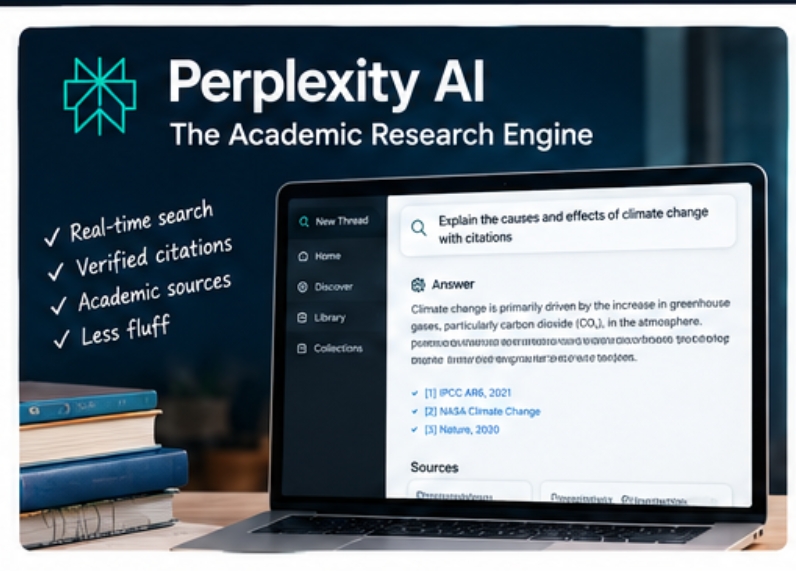
Traditional search engines force you to sift through dozens of SEO-optimized blog posts, advertisements, and irrelevant academic journals. Perplexity AI acts as an interactive conversational research engine that replaces keyword searching with direct, synthesized answers. It runs multi-layered web searches simultaneously, extracting exact definitions, historical background, and empirical data, and appends clickable inline citation footnotes to every single factual claim.
Core Features
Pro Search & Multi-Step Reasoning: When toggled on, Pro Search asks clarifying questions about your specific assignment parameters before executing a complex, multi-step web crawl to build a comprehensive literature synthesis.
Academic Paper Integration: Direct integration with databases like Semantic Scholar allows you to restrict searches strictly to peer-reviewed academic literature, eliminating fluff.
Collections & Custom Uploads: Organizes research threads into structured project folders where you can upload custom PDFs, data sets, or lecture slides to query alongside live web data.
Granular Pros & Cons
Pros:
Drastically cuts down literature review time; eliminates dead ends and unverified hallucinations by enforcing rigorous citation trails; exceptional for finding primary sources quickly.
Cons:
Daily usage limits apply to advanced Pro Search models on the free tier; complex theoretical problem-solving still requires specialized reasoning models rather than a general search engine.
Best For
Writing research papers, essays, and conducting rapid background literature reviews. When you need verified citations and a broad overview of a complex academic topic within minutes, Perplexity is unmatched.
2. Google NotebookLM: The Private Course Material Workspace
What It Is & How It Works
Most AI tools pull from a massive, generalized web knowledge base, which often introduces inaccuracies or generic answers when you ask about specific class concepts. NotebookLM flips this model by acting as a personalized “source-grounded” AI workspace.
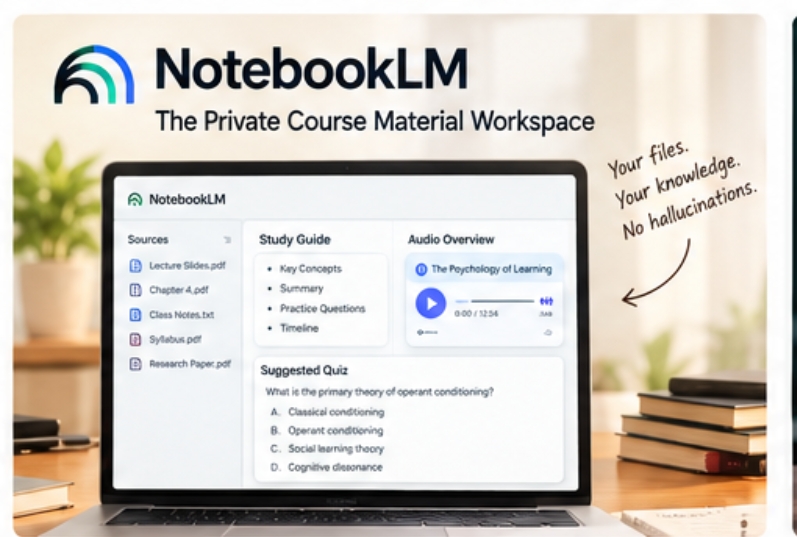
You upload your exact course materials—lecture slides, professor PDFs, assigned book chapters, and personal notes—and the AI restricts its knowledge base strictly to your files.
Core Features
Strict Source-Grounded Architecture: Every answer generated is directly tied to citations found within your uploaded documents, virtually eliminating external hallucinations.
Automated Study Guide & Quiz Generation: Automatically transforms a messy collection of lecture notes into structured briefing documents, timeline summaries, and practice test questions.
Audio Overviews (AI Podcast Generation): Converts your static syllabus or reading list into an engaging, multi-speaker conversational audio discussion that breaks down difficult concepts into digestible listening material.
Granular Pros & Cons
Pros: Unmatched privacy and pinpoint accuracy since it never leaves your uploaded documents; incredible for auditory learners via the Audio Overview feature; turns chaotic notes into study-ready material instantly.
Cons: Completely blind to external web resources or information outside your uploaded files; requires manual document collection and organization upfront.
Best For
Exam revision, quizzing yourself on lecture notes, and synthesizing massive semester-long PDF libraries. It is the ultimate digital study companion for mastering specific course syllabi.
3. ChatGPT (OpenAI): The Interactive Socratic Tutor & Conceptual Breakdown Engine
What It Is & How It Works
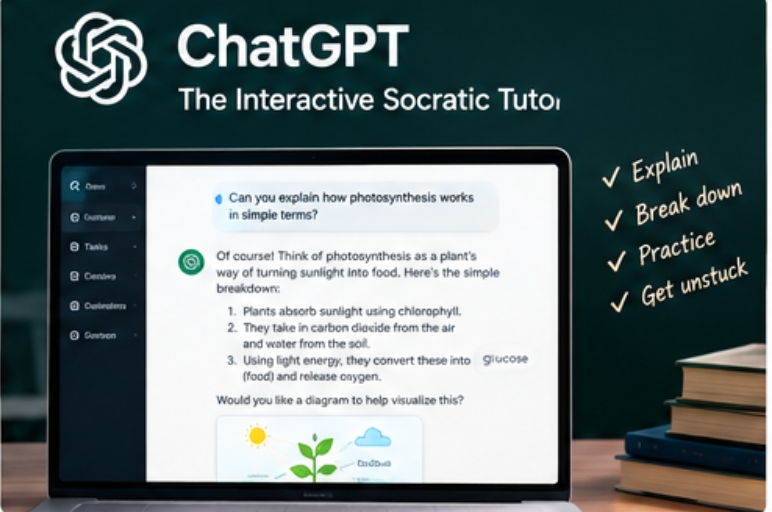
ChatGPT is the premier general-purpose multimodal AI platform used globally. For students, its true power lies not in writing essays for you, but in acting as an infinitely patient, highly adaptive personal tutor. By leveraging advanced natural language processing and multimodal document ingestion, it can interpret handwritten diagrams, break down advanced calculus theorems, and role-play tough oral examination scenarios.
Core Features
Advanced Multimodal Processing: Ingests massive PDF textbooks, complex chemical structures, handwritten lecture photos, and raw codebases while maintaining fluid conversational context.
Socratic Tutoring Mode: You can explicitly prompt ChatGPT to not give you direct answers, but instead guide you step-by-step using guiding questions, mimicking a real office-hours professor.
Custom GPT Ecosystem: Access to specialized, student-built sub-modules tailored for specific academic formatting guidelines, language learning, and technical problem sets.
Granular Pros & Cons
Pros: Unbelievably versatile across both STEM and humanities disciplines; exceptional at simplifying intimidating theoretical concepts into intuitive, real-world analogies.
Cons: Can occasionally output plausible-sounding misinformation if not cross-referenced; requires strict personal discipline to use as an active learning tool rather than an assignment bypass.
Best For
Breaking down complex theoretical concepts, debugging code, and interactive study brainstorming. ChatGPT is best used as a collaborative study partner to talk through difficult course modules.
4. Grammarly: The Academic Tone & Integrity Editor
What It Is & How It Works
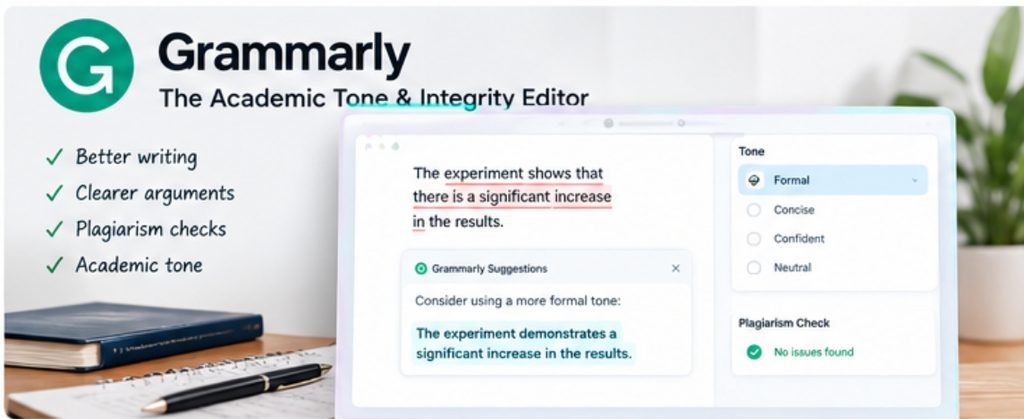
Grammarly is an advanced AI writing assistant integrated across browsers, email clients, and word processors. For university students, it goes far beyond simple grammar and spell-checking. It acts as an automated copyeditor that analyzes sentence rhythm, clarity, vocabulary diversity, and academic tone to ensure formal assignments meet professional university publishing standards.
Core Features
Contextual Clarity & Tone Correction: Restructures clunky, run-on sentences, eliminates redundant phrasing, and ensures your writing maintains an objective, authoritative academic voice.
Plagiarism & Citation Checker: Cross-references your essay drafts against billions of web pages, published books, and academic journals to check for accidental plagiarism and ensure proper attribution.
Cross-Platform Integration: Works seamlessly inside Google Docs, Microsoft Word, Notion, and university web-based submission portals like Canvas or Blackboard.
Granular Pros & Cons
Pros: Catches subtle punctuation, flow, and structural errors that standard word processor checkers miss; helps non-native English speakers refine professional fluency.
Cons: Premium subscription required for advanced structural rewrites and full plagiarism checks; over-reliance can occasionally flatten a student’s unique writing voice.
Best For
Polishing essays, research reports, and thesis drafts before final submission. It acts as an instant digital copyeditor for all formal university communications.
5. Notion AI: The Centralized Academic Productivity & Knowledge Hub
What It Is & How It Works
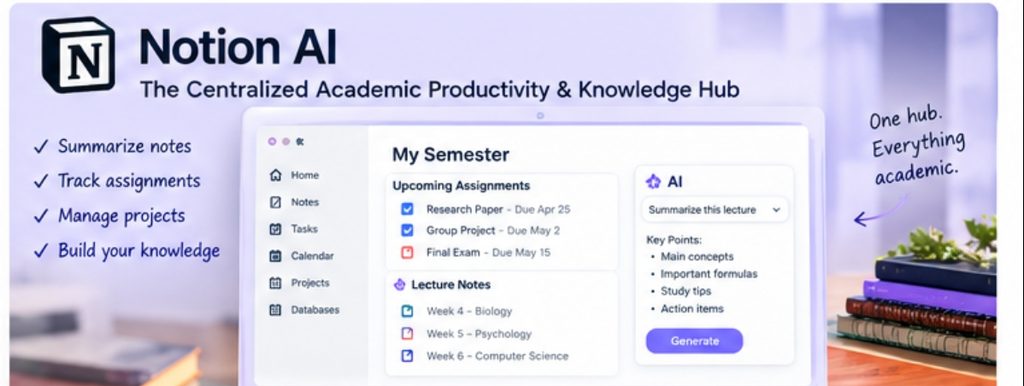
University life involves managing dozens of moving parts: lecture notes, assignment deadlines, group project files, and research databases. Notion AI embeds powerful artificial intelligence directly inside a highly customizable, block-based workspace. It transforms a standard note-taking app into an automated knowledge management hub that organizes your entire academic career.
Core Features
Smart Lecture Summarizer: Instantly condenses long blocks of raw class notes into structured bullet points, action items, and flashcard-ready matrices.
Dynamic Database & Assignment Tracking: Organizes project timelines, semester schedules, and research bibliographies into clean, interconnected databases.
Contextual Writing & Outline Generation: Breaks down writer’s block by generating essay outlines, project proposals, and structured study schedules directly inside your workspace documents.
Granular Pros & Cons
Pros: Keeps your entire university workflow—notes, tasks, schedules, and research—housed in a single unified dashboard; highly customizable to individual student workflows.
Cons: Has a notable learning curve for students unfamiliar with block-based productivity software; requires upfront setup time to build out databases.
Best For
Structuring notes, organizing semester assignments, and managing complex academic projects. It is the ultimate productivity hub for keeping your student life organized from syllabus week to finals.