
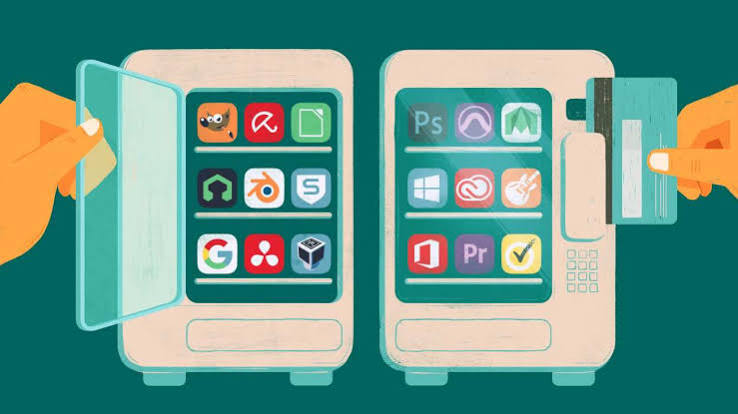
Monthly software subscriptions can quickly drain your budget, especially when you are just starting out as a freelancer, student, or business owner. You do not need to pay for premium packages like Microsoft Office or Adobe Photoshop to get professional work done. In this guide, the AI Foundry Vault uncovers three powerful, 100% free software alternatives that do the exact same job for zero cost.
1: LibreOffice (The Best Free Alternative to Microsoft Office)
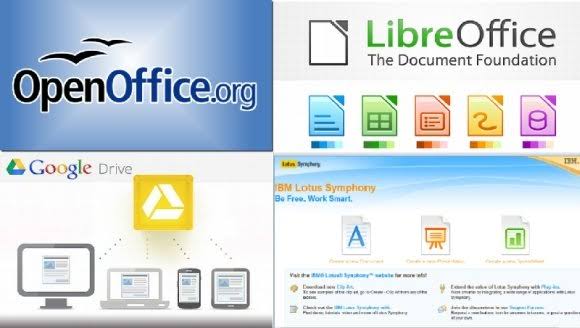
- What it is: A complete, open-source office suite that includes programs for word processing (like Word), spreadsheets (like Excel), and presentations (like PowerPoint).
- Why it is great: It is completely free with no hidden fees, no ads, and no subscription pop-ups. It can easily open and save standard Microsoft Word and Excel files.
- Pros: Works entirely offline on Windows, Mac, and Linux. No internet connection required.
- Cons: The interface looks a bit old-fashioned compared to modern Microsoft 365.
- Link: [https://libreoffice.org]
2: Photopea (The Best Free Alternative to Adobe Photoshop)
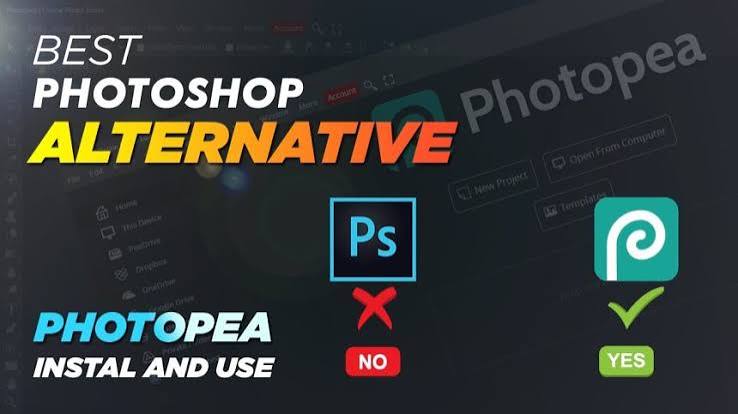
- What it is: A powerful, advanced image editor that runs completely inside your web browser.
- Why it is great: It looks and works almost exactly like Photoshop. It even allows you to open and edit actual Photoshop (.PSD) files for free.
- Pros: No installation required. You can use it on any laptop just by opening your web browser.
- Cons: The free version displays small ads on the side of the screen to stay funded.
- Link: [https://photopea.com]
3: CapCut Desktop (The Best Free Alternative to Adobe Premiere Pro)
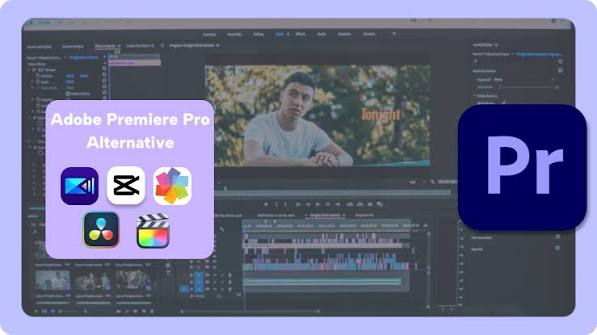
- What it is: A professional-grade video editing software that you can download directly onto your laptop.
- Why it is great: It cuts out the massive learning curve of complicated editing software. It includes free transitions, automatic captions, effects, and music.
- Pros: Highly optimized for smooth editing, even on lower-end or mid-range laptops.
- Cons: Some advanced transitions and filters require a "Pro" upgrade, but the basic free version is more than enough for social media.
- Link: [https://capcut.com]
You do not need deep pockets to access professional tools. Use LibreOffice for your document work, open Photopea in your browser for graphic design, and download CapCut Desktop to edit high-quality videos completely free.